Skip to app features

WRITE IT FOR IPHONE

Homework.
Already on it.

Snap your homework. Set a finish time.
Apollo gets to work while you get going.

HOMEWORK MOVES. LIFE GOES ON.SCROLL TO DISCOVER

THE MOMENT IT’S ASSIGNED, GET IT MOVING.

Get the homework. Set the finish time. Let Apollo work while you walk to your next class or head home.

Start it before you leave class. Check in when you’re ready.

FROM THE CLASSROOM TO THE CLOUD.

Get it started.
Get on with your day.

01 / ASSIGNED. ALREADY STARTED.

Get it.
Snap it.

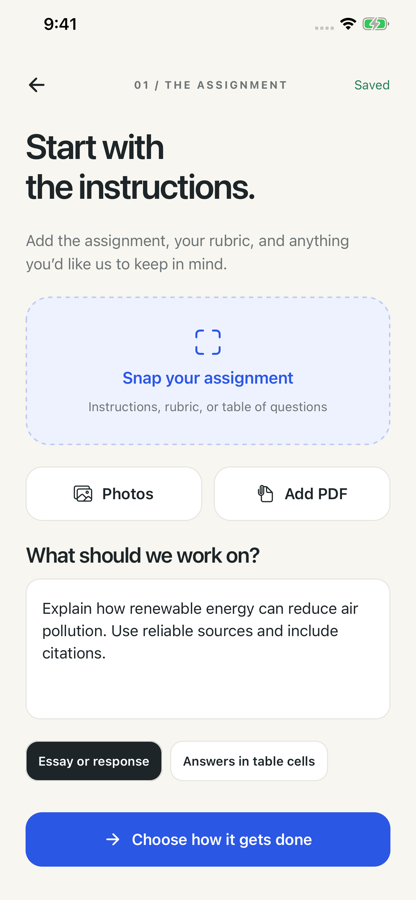
The homework lands. You snap the instructions, add a PDF, or bring in the rubric. Give Apollo the assignment while it’s still fresh, before you even leave class.

Photos, PDFs, instructions, and rubrics.

WRITE IT FOR IPHONE

Homework in. Apollo on it.
YOUR HOMEWORK, IN MOTION.
01 / 04

FROM CLASS TO HOME. WITHOUT THE WAIT.

Leave the classroom.
Keep the momentum.

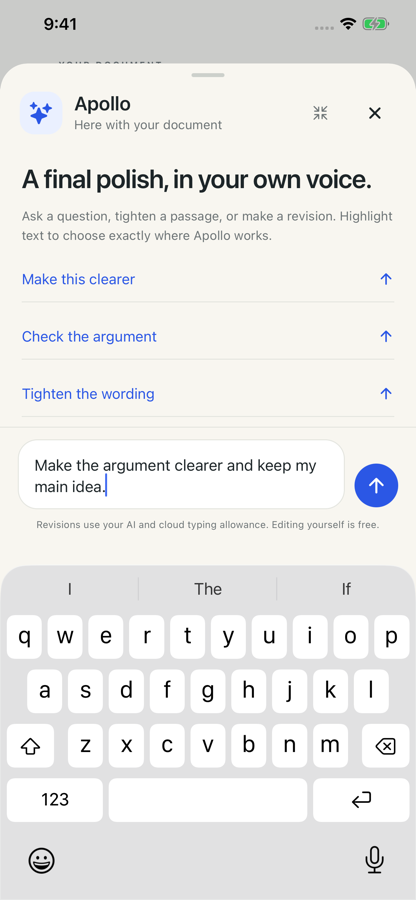
Start the homework on your phone before you leave.
Apollo keeps working in your Doc while you make your way home.

The power of a good argumentFile   Edit   View   Insert   Format   Tools
Share

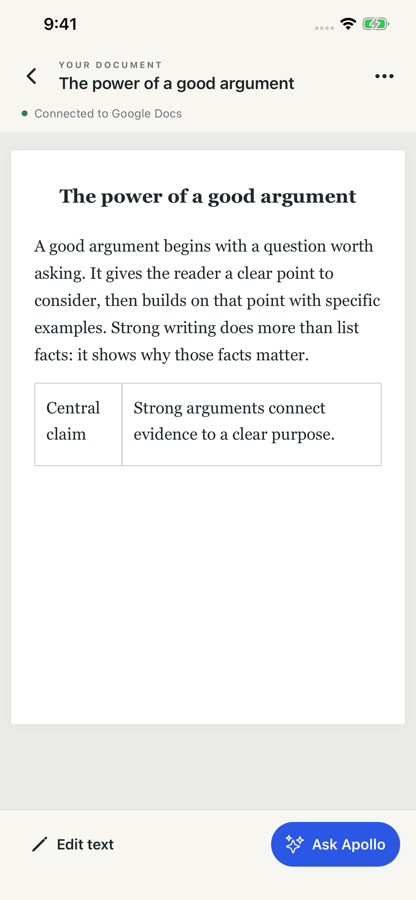
The power of a good argument

A good argument begins with a question worth asking. It gives the reader a clear point to consider, then builds on that point with specific examples.

Strong writing does more than list facts: it shows why those facts matter.

One connected Google Doc.

Catch it in class.

Snap the homework as soon as you get it. Give Apollo the instructions and rubric.

Set the finish time.

Choose when you want it finished. Let Apollo work toward your schedule.

Keep moving.

Walk to your next class or drive home while Apollo keeps working in your Doc.

A FEW GOOD QUESTIONS.

The little details.

Can I set a finish time for my homework?

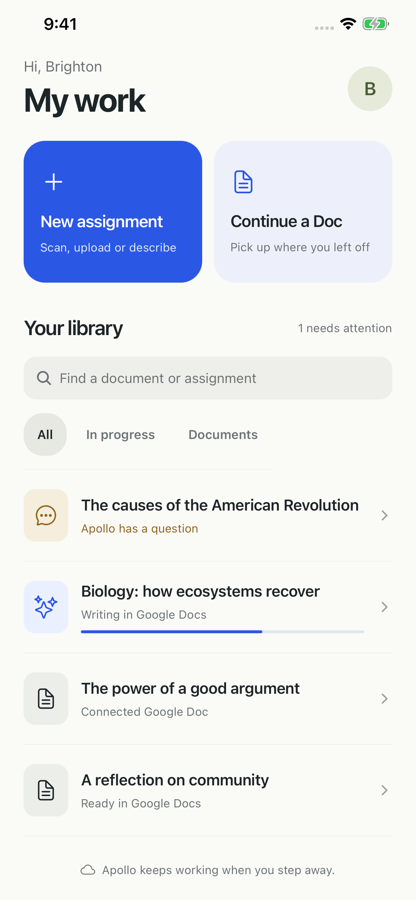
Yes. Add your assignment and choose when you want it finished. Apollo works toward that time in your connected Google Doc. Check progress, answer any questions, and review the result from your library.

Can I continue an existing Google Doc?

Yes. Connect Google Docs in the app, open a document, and pick up where you left off. You can edit it yourself or ask Apollo to help with a selected passage.

What can I use to start an assignment?

Take a photo, choose an image from your library, add a PDF, or describe the task. You can include assignment instructions and a rubric to guide the work.

Does my existing Write It membership work on iPhone?

Sign in with the same Write It account to use your existing membership on iPhone. Your account and Google Docs connection are managed separately.

Do I need to keep the app open?

Apollo’s cloud work can continue when you step away. Return to your library to see progress, respond when Apollo has a question, and review the result.

Visit iPhone support

WRITE IT FOR IPHONE

Set the time.
Take back yours.

Get Write It for iPhone

Snap it. Schedule it. Get on with your day.