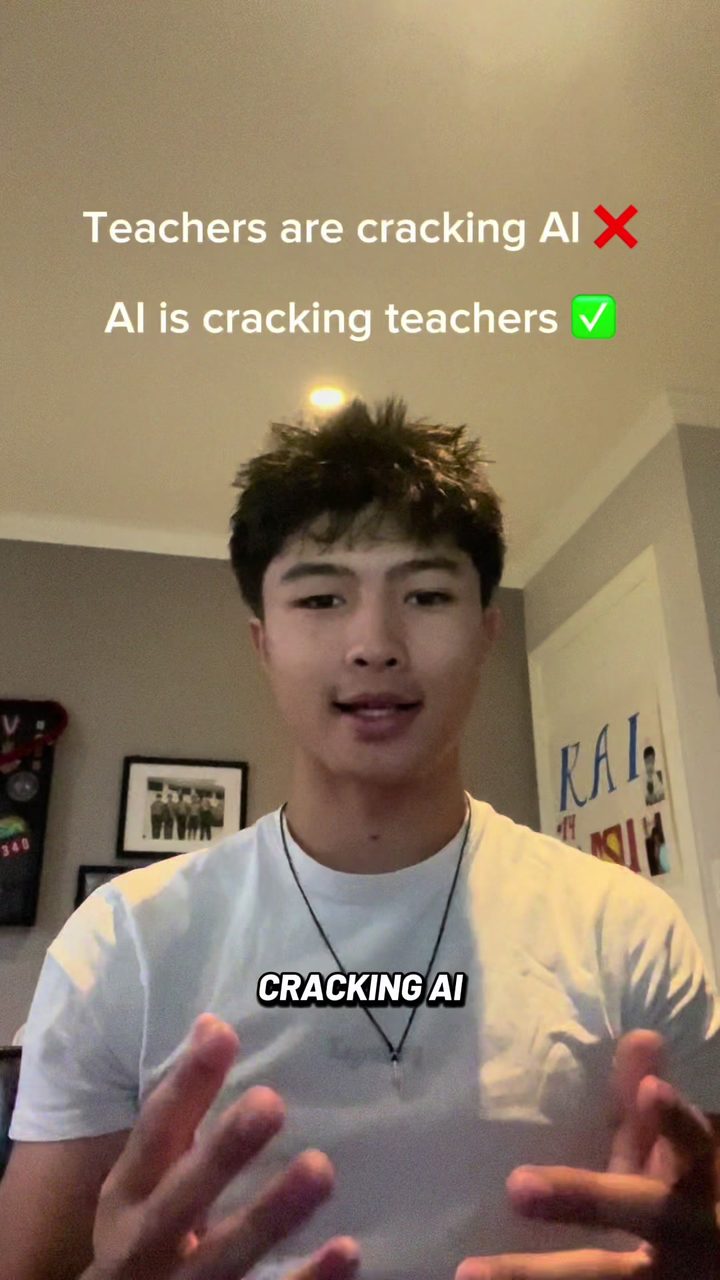
 Problem → solution@jacksonion_ring
Write It creator program
Make original videos about Write It. Send us a draft before you publish, then earn on verified views.
Existing creator? Open your dashboard →
We’re not accepting new creators right now.
Creator examples
A little inspiration for your first post.
Problem → solution@jacksonion_ring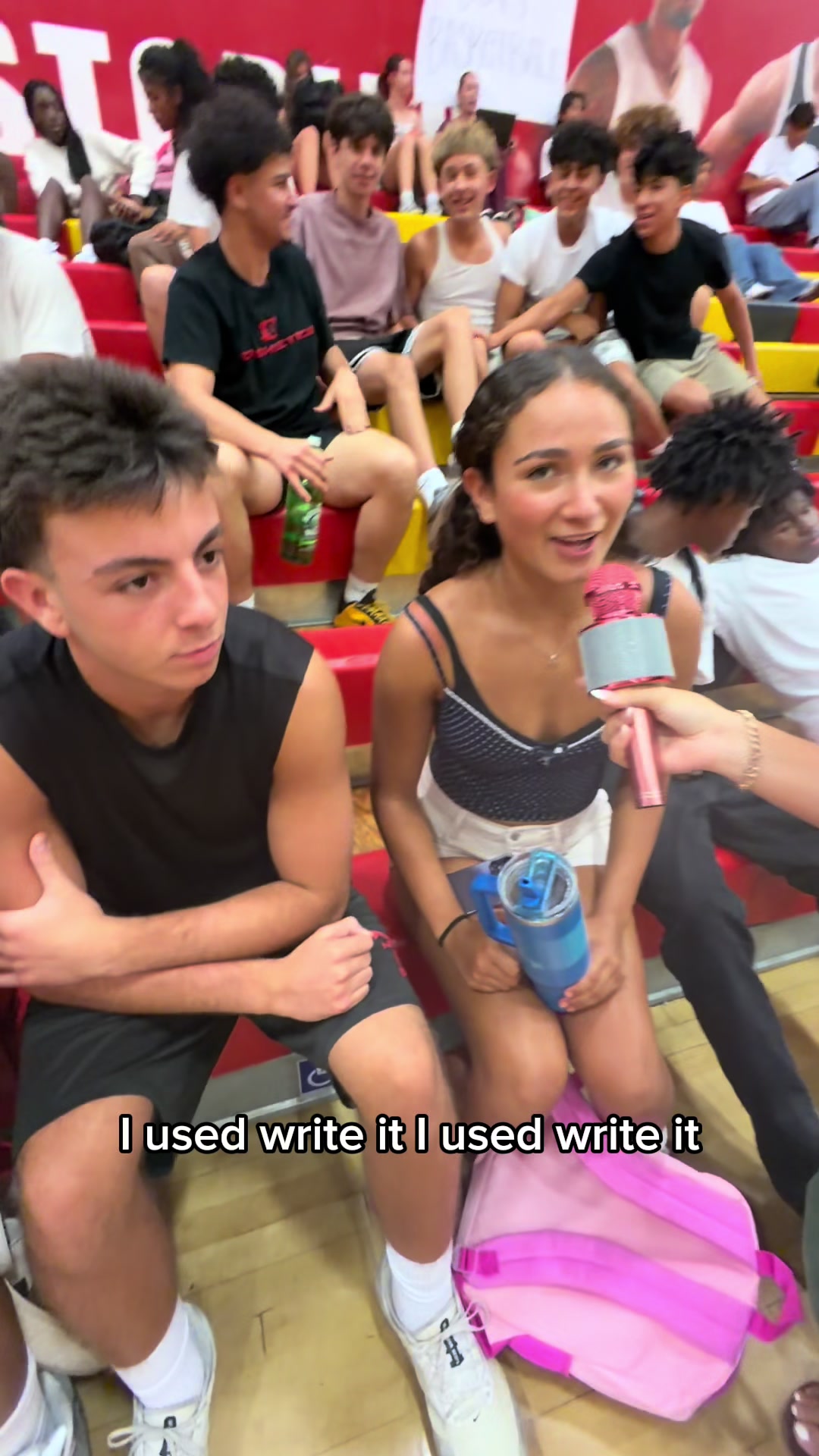 Student reactions@user1010593528
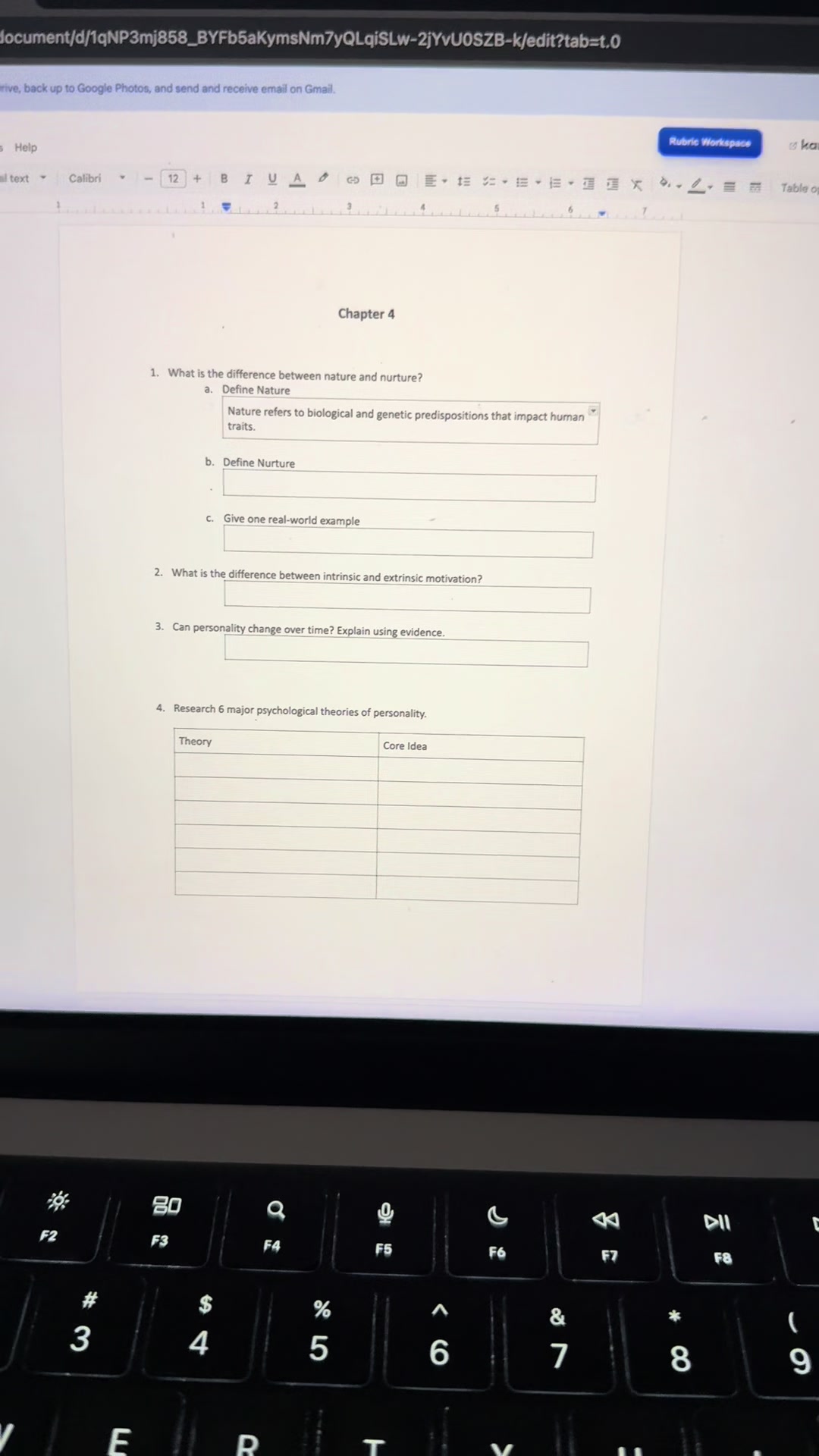 Product demo@brightonandkai
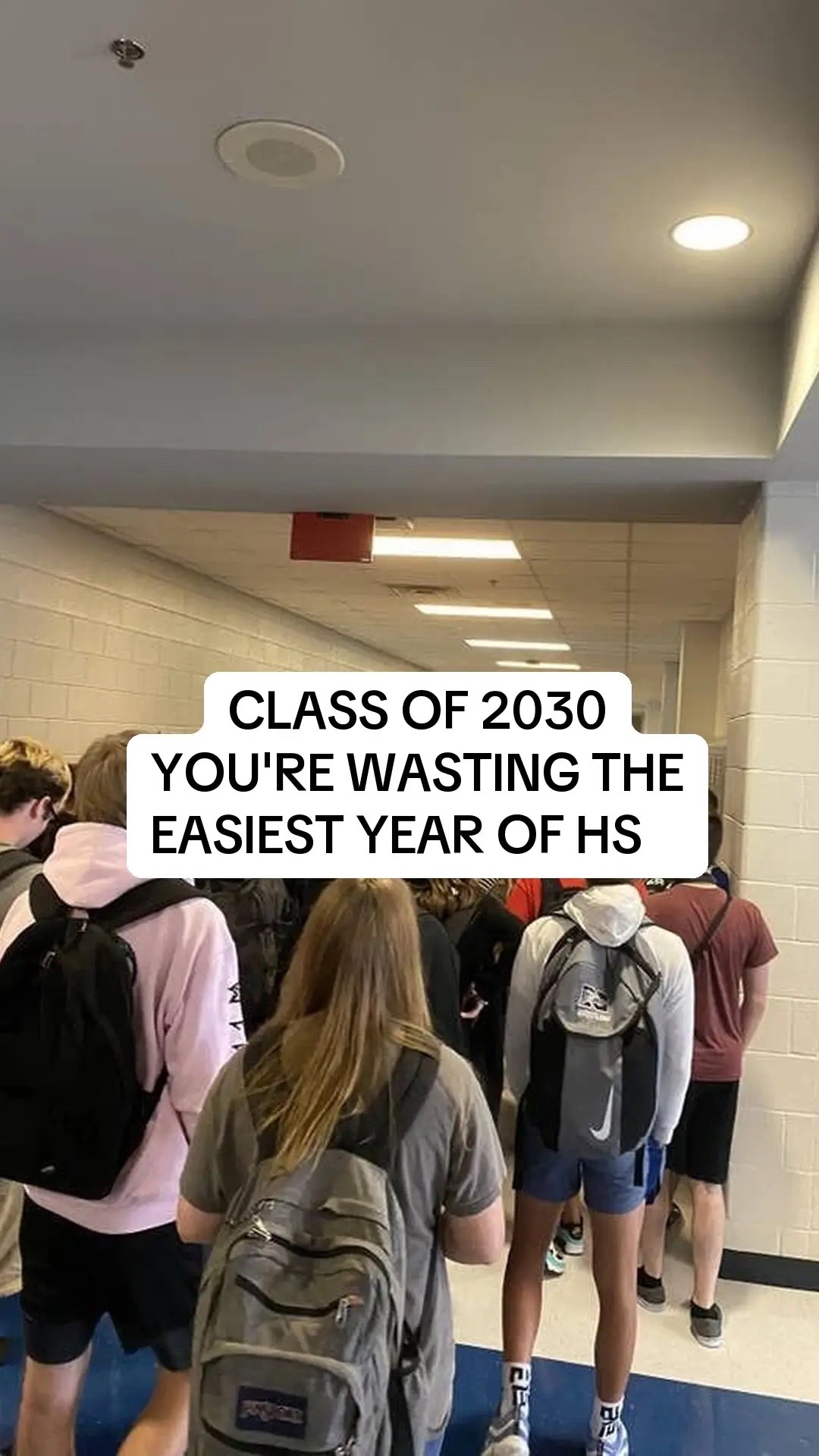 Photo slideshow@jacksonion_ring
Swipe to explore
What each video earns
Standard video
$2 per 1,000 views
$10 bonus over 1,000 views in the first 7 days.
$800 total cap per video, including any bonus.
Your own footage or screen recording. Text-to-speech is fine.
AI video or slideshow
$0.10 per 1,000 views
CPM only. No guaranteed payment or bonus.
$500 total cap per video, including any bonus.
AI-generated footage and photo or video slideshows.
View pay covers the first 14 days after posting. Earlier submissions keep their original terms. Video rules
Partner creators with a code can redeem a full year of Premium. Redeem a code
How it works
- 01
Submit your draft
Make an original video showing Write It in action. Share a private preview for review before you publish.
- 02
Get approval, then publish
Read feedback in your dashboard. Once approved, post that version and add your public link and posting time.
- 03
Verify views and get paid
We check the post against your draft and record views at day 7 and day 14. Track earnings and cash out from your dashboard.
Need an idea? Borrow a starting point.
Problem → Solution
Start with the writing problem. Show Write It solving it.
Hook: "POV: you have an essay due at midnight and a blank page." Show: screen-record Write It in Google Docs and show how you use it. Payoff: reveal the result and tell viewers where to try Write It.
Your own angle
Tell it your way. No template needed.
Your angle, your edit—no template required. Show the real Write It app in use, film it your way, and submit a draft. Wait for approval before posting.
Video rules
Original content. Real views. Write It on screen.
We review every submission. You agree to these rules each time you submit a draft.
Get approval before you publish
Share a watchable draft. We approve it or leave specific feedback. Publish the approved version on your own account, then add the public link and posting date. We verify that it matches the draft before counting earnings.
Clear rates and a cap for every video
Submit a draft and wait for approval before publishing. Standard videos earn $2 per 1,000 verified views, plus a $10 bonus only after exceeding 1,000 views within 7 days of posting. Total pay, including the bonus, is capped at $800 per video. AI videos and slideshows earn $0.10 per 1,000 verified views with no bonus, capped at $500 per video. View pay covers the first 14 days after posting. Only approved published videos earn cash.
What counts as AI video?
AI video means an AI avatar or presenter instead of a real person, or clips or images made with AI generators. Text-to-speech over your own real footage or screen recording is still a standard video.
Show Write It in use
Show the real app doing something useful. Saying its name or showing the logo alone is not enough.
Your own original work
Create it yourself and publish it on your own account. Submit each video once, even when you post it on multiple platforms. No reposts or someone else's footage.
Real views only
Bought views, bots and view-swap groups do not qualify. Fake views can lead to rejection and removal from the program.
Keep it public for 14 days
Keep the approved post public through its final count. We verify views at day 7 and day 14. Later views do not earn additional pay.
Approval and feedback
Write It reserves the right to reject any submitted video, of any type or format, at its sole discretion, for any reason permitted by applicable law, even if it meets the listed requirements or view thresholds. Submission does not guarantee approval. Only approved videos are eligible for payment or rewards; rejected videos are not eligible.
Existing submissions
Earlier submissions keep their recorded rates, thresholds, caps and payment windows. The new rules apply only to new submissions.
Applications are closed
Existing creators can manage videos and payouts from their dashboard.